
 ქარ
ქარ

- Home Appliances, Tools and Household Goods
- Consumer Goods & Electronics
- Products & Solutions for Enterprises
- Toys & Goods for Kids
- ყველა ბრენდი
- წვრილი ტექნიკა და ინსტრუმენტები
- სამომხმარებლო ელექტრონიკა და ტელევიზორები
- სისტემური ინტეგრაცია
- საბავშვო პროდუქცია და სათამაშოები
- Cookware
- Food storage containers
- Containers for spices and liquids_
- Drinkware
- Bottles for water
- Bakeware
- Посуда для сервировки стола
- Table mats
- Table setting accessories
- Knives_
- Trays_
- Cooking utensils
- Peelers, non-standard knives and manual hammers_
- Spoons, spatulas_
- Potato mashers_
- Sieves and colanders_
- Kitchen scissors_
- Skimmers_
- Graters and manual food processors_
- Mixing bowls and containers, measuring accessories_
- Sets of kitchen accessories_
- Ladles_
- Cutlery
- Storage accessories
- UPS and accessories
- Sources of uninterruptible power supply
- Gaming products
- Gaming PCs and hardware
- Processors for gaming
- Game consoles and accessories
- Gaming peripherals and accessories
- Glasses for computer
- Game collectible figurines and accessories
- Computer peripherals
- Computer components
- Media tablets
- Monitors
- Drives and Flash-memory
- Laptops & Accessories
- Accessories and options for computer and office electronics
- Cleaners
- Компьютерные столы
- Travel goods
- Accessories for kumping, tourism and outdoor activities_
- Travel bags and suitcases
- Tactical gear and equipment
- Радіообладнання та навігація
- Годинники тактичні
- Tactical equipment
- Military gloves
- Personal heating equipment
- Chemical heating
- Backpacks, bags, duffle-bags
- Sling bags
- Camping equipment
- Karrimat and mattresses
- Tactical clothing and footwear
- Raincoats
- Tactical shovels
- Chemical light
- Toys
- Bath toys
- Toys for sand
- Playing Kits
- Toy transport
- Toy weapons
- Game Figures and Accessories
- Construction sets
- Dolls
- Puppet show
- Doll accessories
- Stuffed Toys
- Board games
- Puzzles
- Вeanbag
- Radio-controlled cars
- Learning toys
- Creativity
- Music and storage boxes
- String musical instruments_
- Wind musical instruments_
- Percussion musical instruments_
- Other musical instruments_














































































































































































































































































































































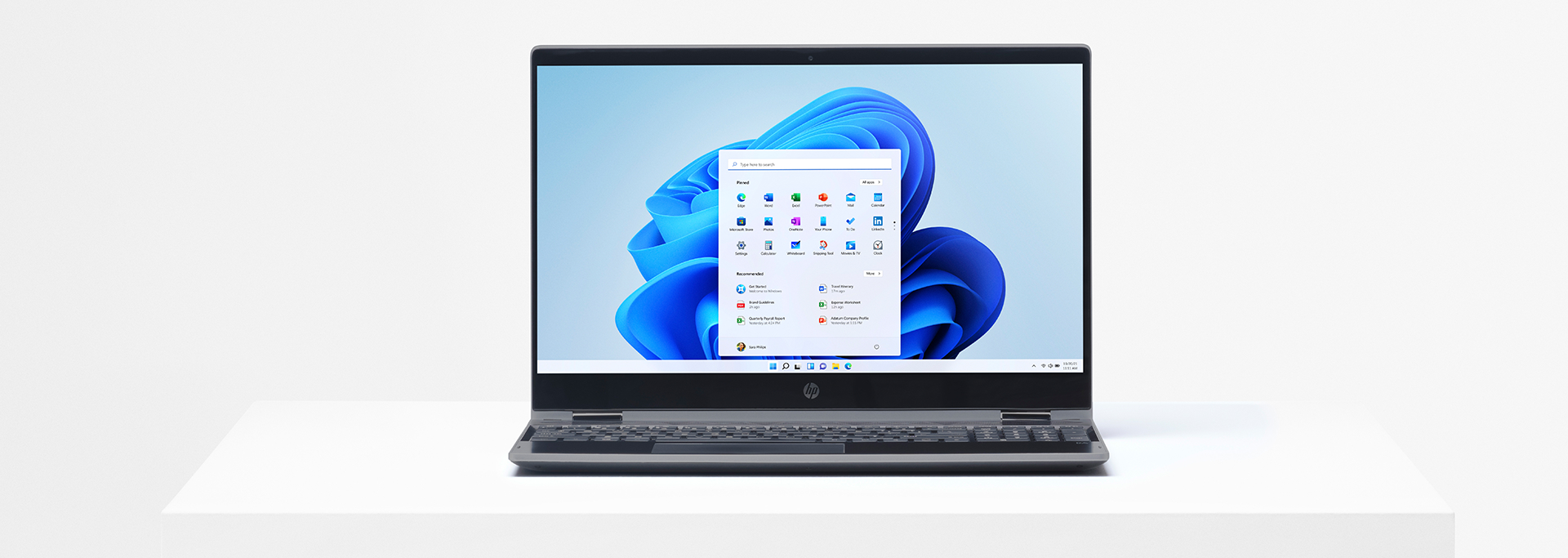






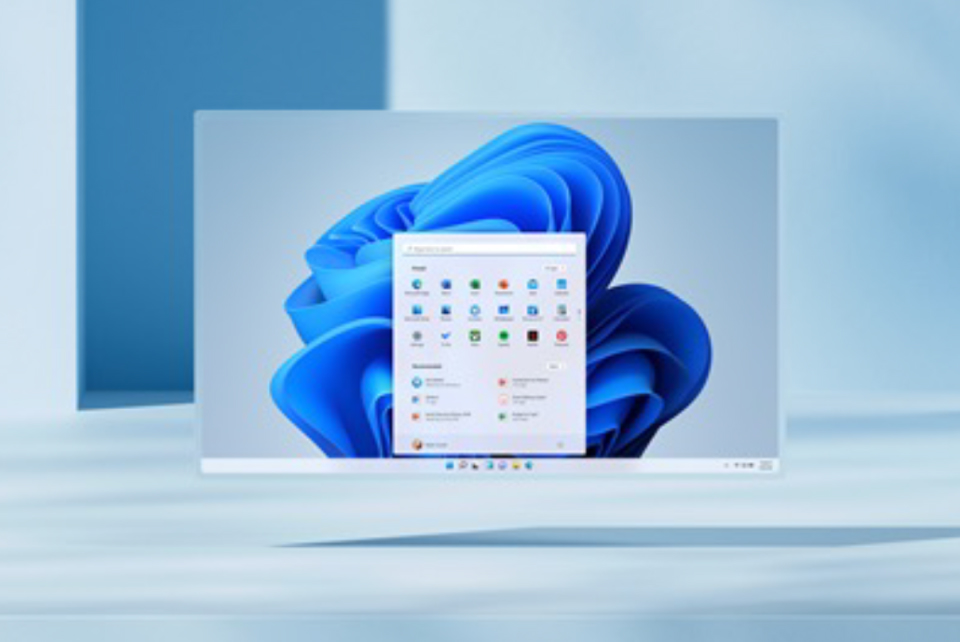
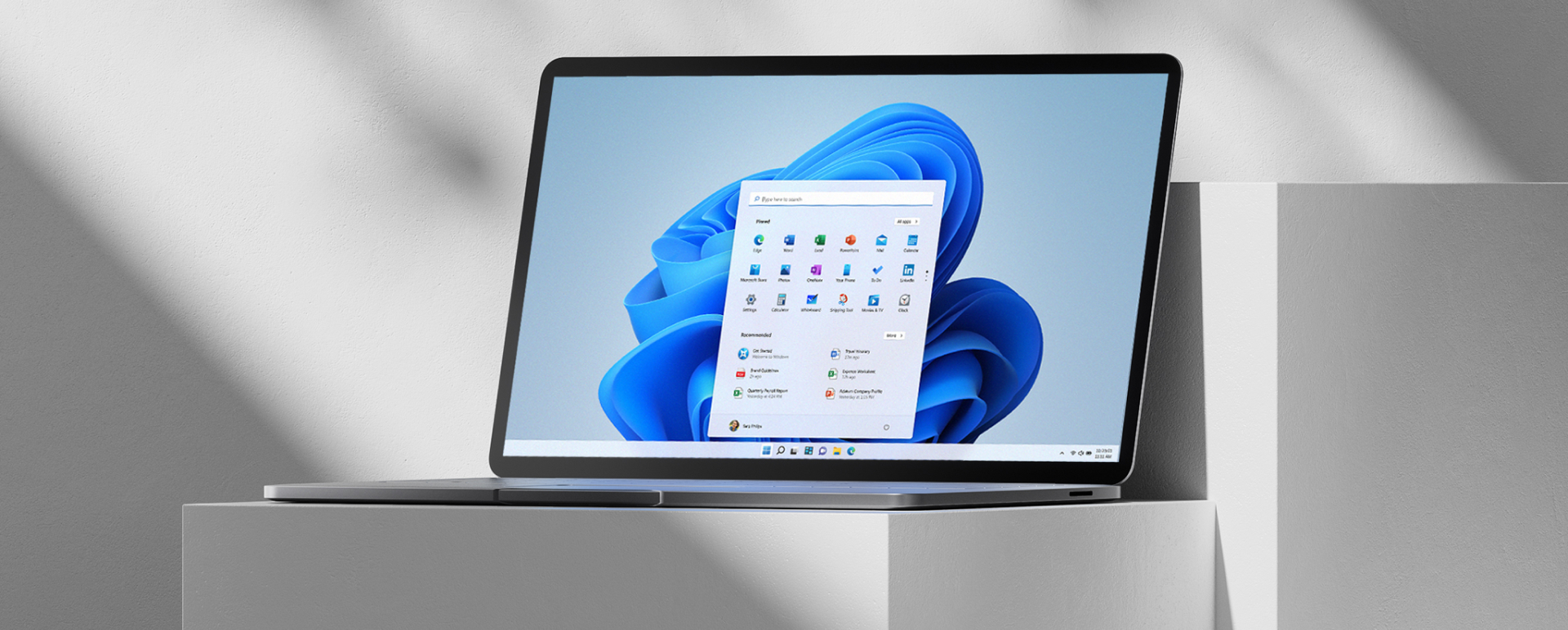
Windows 11 combines the power and security of Windows 10 with a modernized design, new system sounds, tools, and applications. All interface elements have been updated to meet modern usage scenarios.
PCs with Windows 11 are available in a wide range from distributors. Information about specific models and delivery timelines is regularly updated. For detailed information, please contact your ERC manager.
The price depends on the configuration, brand, and device category. Manufacturers offer solutions for different tasks and budgets.
Accessories that worked properly with Windows 10 and meet Windows 11 requirements usually remain compatible. It is recommended to check details with the accessory manufacturer or your ERC manager.
Most modern Windows 10 PCs support the upgrade if they meetthe minimum hardware requirements. However, some features may require additional or specific hardware.
There are several ways to check this. One option is to download the PC Health Check app. When buying a new PC, look for the note “Free upgrade to the new Windows” in the product description. You can also ask the seller to confirm compatibility.
If your device is running the latest version of Windows 10 and its hardware configuration meets the minimum requirements, the upgrade to Windows 11 is available. However, the upgrade is not offered to all compatible PCs at the same time. To check compatibility, it is recommended to use the PC Health Check app. Once the rollout begins, upgrade availability for a specific device can be checked in Settings/Windows Update.
Yes. Official support for Windows 10 ended on October 14, 2025, but devices running this OS will continue to function. If you want to keep receiving critical security updates, you can use the Extended Security Updates (ESU) program until October 13, 2026, subject to eligibility and enrollment. For full security and access to modern features, Microsoft recommends upgrading to Windows 11.
As of 2026, the upgrade to Windows 11 is available only for devices that fully meet the minimum hardware requirements. If a PC is compatible, an upgrade notification appears in Windows Update. Users can also check availability manually in Settings/Windows Update or by using the official PC Health Check tool, which shows whether the device meets Windows 11 requirements. For PCs that do not meet these requirements, automatic upgrade is not available.
The upgrade is free. However, it is available only for PCs running the latest version of Windows 10 and meeting the minimum hardware requirements. Windows 10 update status can be checked in Settings/Windows Update.
Updates include bug fixes, security improvements, and new features within the current Windows version and are released throughout the year. A version upgrade means moving to a new edition or generation of the system, for example from Windows 10 to Windows 11 or from Windows Home to Windows Pro.
The free upgrade to Windows 11 is available for all compatible PCs running a licensed version of Windows 10. Microsoft has not announced a specific end date for this offer, so eligible users can upgrade now. At the same time, Microsoft reserves the right to change the terms or end the offer in the future, so it is recommended to take advantage of the free upgrade as soon as possible.
Yes. You can continue using Windows 10; however, official support for this operating system ended on October 14, 2025. After this date, Windows 10 no longer receives standard security updates or technical support. To maintain security, Microsoft recommends upgrading to Windows 11 or using the ESU program.
No. The new Windows requires approximately the same amount of disk space as Windows 10. However, additional space is needed during the upgrade process. After installation is complete, the system automatically frees this space after about ten days.
Windows 11 is the latest version of the Windows operating system.
By default, all files and data are transferred. However, it is recommended to back up important files before installation. For more information, see Backing up PC folders to OneDrive.
Yes. Within 10 days after installing the new Windows, you can roll back to Windows 10 while keeping your transferred files and data. After this period, rolling back requires a backup of your data and performing a clean installation.
Downloading and installing will likely take longer than a regular Windows 10 feature update. During the download, the PC is available for use, and the actual installation can be scheduled at a convenient time.
If the minimum hardware requirements are met, Windows 10 Home in S mode can be upgraded to the new Windows Home in S mode. For Windows 10 Pro in S mode, you must exit S mode to upgrade to the new Windows Pro, as the Pro edition is not available in S mode.
You can easily check a device’s upgrade eligibility using the PC Health Check app. Most PCs released in the last four years may be compatible, provided they are running the latest version of Windows 10 and meet the minimum hardware requirements.